
Detect
Automatic
The Teams link is detected on the page and pre-filled, so you avoid repetitive copy/paste steps.
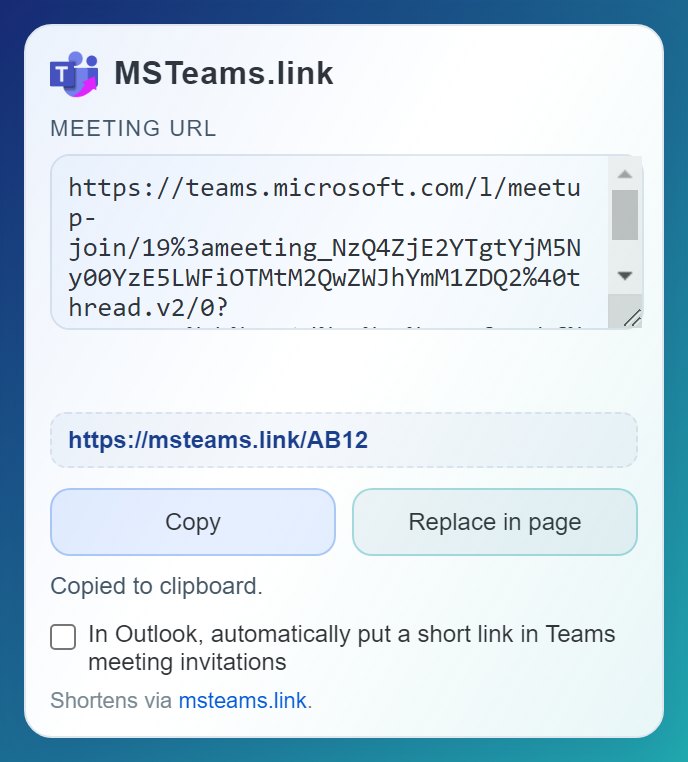
Detect the meeting link, create a short URL and share it without leaving the page. New: in Outlook, the short link and its QR code are added to your Teams invitations automatically.
Works on Teams web and Outlook web (outlook.cloud.microsoft, outlook.office.com). Free, no account needed.
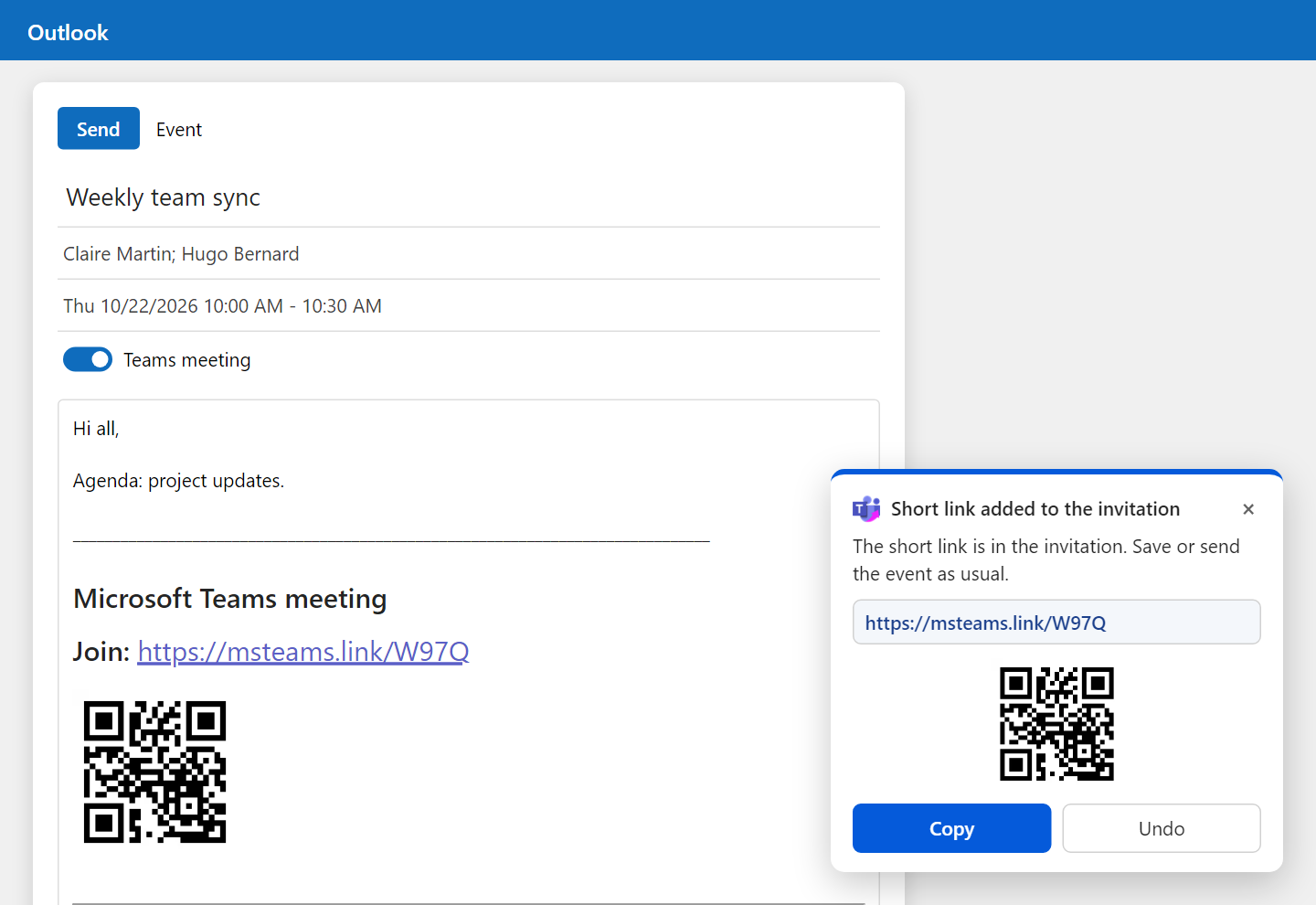
Turn the option on once: every time you create a Teams meeting in Outlook web, the extension replaces Microsoft’s long link with a short msteams.link URL and adds its QR code, so guests can join from their phone. Your attendees get an invitation they can actually read.
Available from version 0.4 of the extension.
A simple, fast, and consistent experience for everyday Teams and Outlook usage.
Automatic
The Teams link is detected on the page and pre-filled, so you avoid repetitive copy/paste steps.
One click
A short link is generated instantly, ready to share in invitations, chat messages, and emails.
Optional
No account needed. Sign in if you want to keep your links and their click stats.
Recommended flow: 1. Install the extension. 2. Open your meeting in Teams or Outlook web and click the icon. 3. Shorten and share, no account needed.
Need help? Read the Teams guide | Sign in | My links | Outlook add-in
No. The extension works without an account. Signing in is optional and lets you keep your links and their stats in your account.
Yes, on teams.microsoft.com and Outlook web (outlook.cloud.microsoft, outlook.office.com, outlook.live.com).
You can find them in My links.
Open the extension popup, tick the Outlook option and allow access to Outlook web. From then on, whenever you turn on “Teams meeting” in an event, the short link and its QR code are added to the invitation.
Yes. The meeting stays a regular Teams meeting: the “Join” button in Outlook and Teams works, and the original link stays in the invitation under “System reference”.
Only if you turn on the Outlook option. It is used to read the Teams link of the event you are creating and add the short link to its invitation. Only the meeting link is sent to msteams.link, to create the short link.
The QR code is an image hosted by msteams.link, so some email apps ask to “show images” first. The short link is always visible as text.